Best Tools For Saving Social Media Recipes
• Updated
Social media platforms like TikTok, Instagram, and YouTube make discovering recipes effortless, but managing them can quickly become overwhelming. Screenshots, bookmarks, and saved tabs often turn into a cluttered mess, making it hard to find what you need when it’s time to cook. Thankfully, recipe management tools like Honeydew, Paprika, and Whisk simplify the process by organizing and streamlining your saved recipes. Here's a quick summary of what they offer:
- Honeydew Recipe Manager: AI extracts recipes directly from social media links, organizes them, and syncs meal plans with grocery delivery services like Instacart. Ideal for families with shared meal planning needs.
- Paprika Recipe Manager: Offers powerful organization tools, a pantry tracker, and one-time pricing, but lacks direct social media integration.
- Whisk: Free tool that turns social media videos into step-by-step recipes while providing meal planning and grocery list features.
Each tool caters to different needs. Honeydew is great for households, Paprika excels in detailed organization, and Whisk is perfect for video-based recipes. Choose the one that fits your cooking style and habits.
1. Honeydew Recipe Manager
Social Media Integration
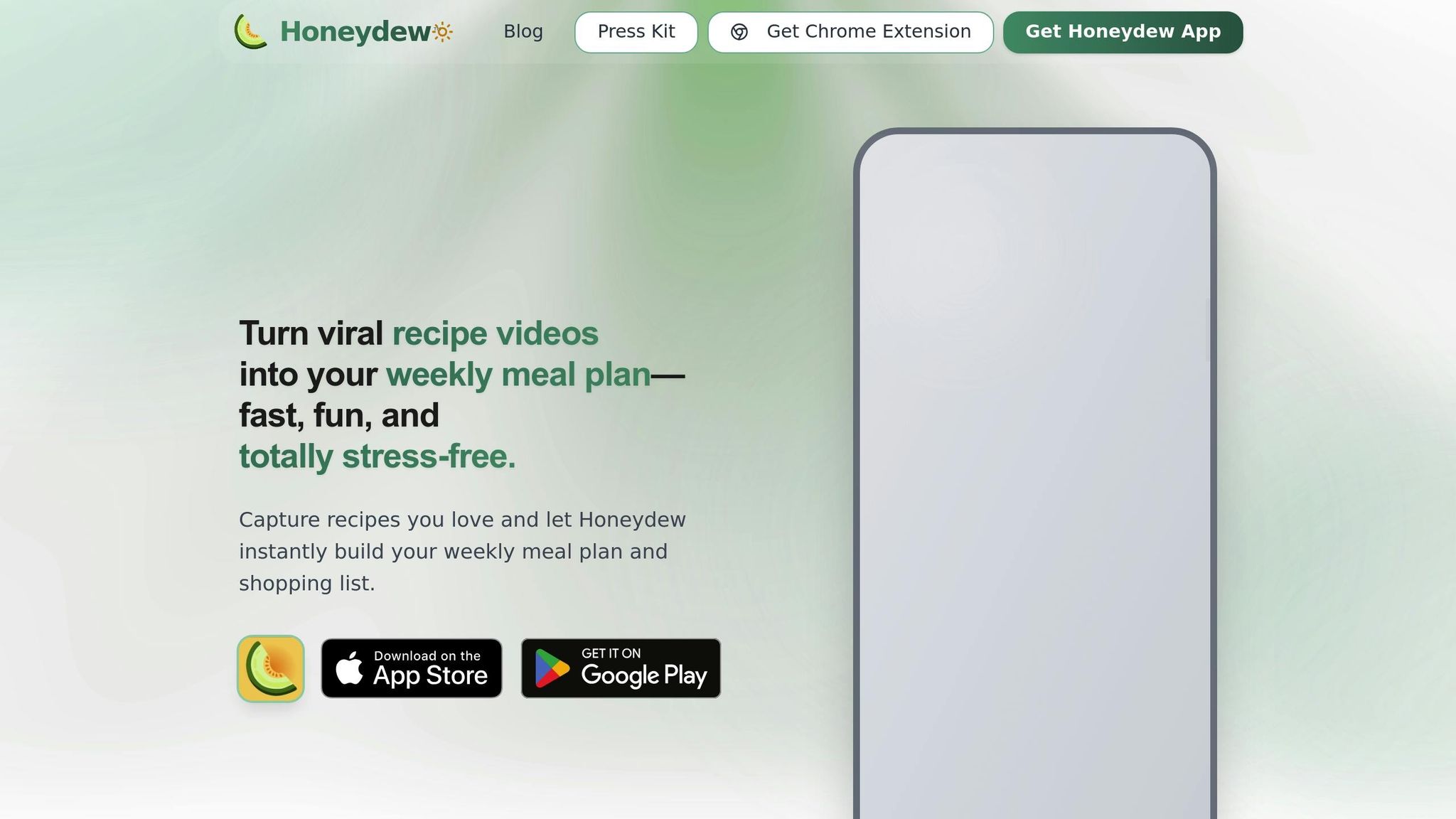
The Honeydew Recipe Manager takes the chaos out of saving recipes from social media platforms like Instagram, TikTok, and Pinterest. Instead of endlessly bookmarking or screenshotting posts that inevitably get buried, you can simply paste a link or use the share function to send recipes straight to the app. Its AI-powered tool extracts ingredients, measurements, and instructions from these posts automatically - no need to manually type anything.
This means those trending TikTok pasta recipes or Instagram dinner ideas are instantly organized into easy-to-follow formats. The app even includes a photo-to-recipe feature, allowing you to snap a picture of any dish and get a copycat recipe generated by AI.
Once imported, the app’s organization tools make sure all your recipes are neatly stored and easy to find.
Recipe Organization Features
Recipes you import are stored permanently with the paid plan, while the free version allows up to 10 imports. The app also offers ingredient substitution suggestions, perfect for when you’re missing something, and a recipe translation feature that adapts international dishes with a single tap - useful for exploring global food trends.
Another handy feature lets you search recipes based on ingredients you already have at home. This not only reduces food waste but also solves the age-old question: "What can I make with what’s in my fridge?" Plus, the app works offline, so you can access your saved recipes anytime, even without an internet connection.
Meal Planning and Grocery Integration
Honeydew simplifies meal prep with a drag-and-drop calendar and an AI-powered meal planner that creates weekly menus and shopping lists. These lists are sorted by store sections, and if you’re on the Honeydew Plus plan, you can place orders directly through Instacart with just one click.
The app also supports collaboration, allowing up to six family members to share meal plans and grocery lists. This feature is especially useful for households where cooking responsibilities are shared.
Pricing and Accessibility
Honeydew offers a free plan that includes basic features like recipe imports, meal planning, and a calorie calculator, though it limits you to 10 recipe imports. For more flexibility, the Honeydew Plus plan costs $4.17/month and unlocks unlimited recipe storage, advanced AI meal planning, household sharing, and an ad-free experience. If you frequently save recipes from social media, the paid plan provides a more seamless and organized solution than juggling screenshots and bookmarks across multiple platforms.
2. Paprika Recipe Manager
Social Media Integration
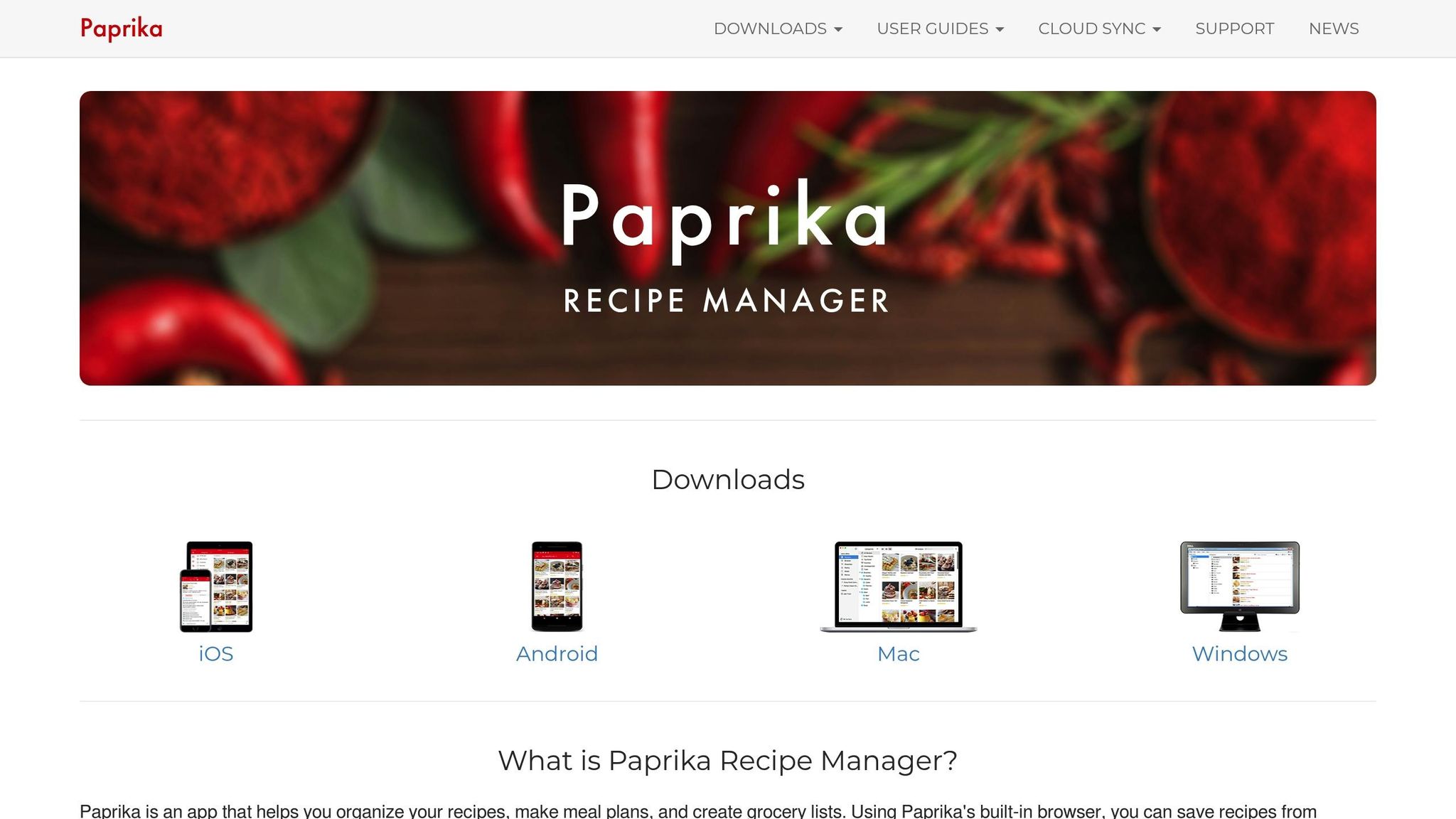
Paprika makes saving recipes from social media platforms simple, even without dedicated buttons. Its built-in browser and web-clipping tool let you import recipe details by pasting a URL directly into the app. For recipes shared as captions on platforms like Instagram or TikTok, you can copy the text and use the "Import from Clipboard" feature to manually assign ingredients and directions. Whether you're on mobile or desktop, share extensions and bookmarklets make the importing process seamless. This approach highlights Paprika's focus on efficient recipe management.
Recipe Organization Features
Paprika stands out for its intuitive organization tools and has received high praise from users. You can create custom categories and subcategories to organize recipes - think a "Breakfast" category with divisions like "Eggs" or "Baked Goods." Its search feature is particularly robust, allowing you to look through ingredients, directions, notes, and even source URLs. You can also search for multiple ingredients at once by separating them with commas. The app includes a pantry system that tracks your stock, updates grocery lists, and even monitors expiration dates.
PCMag awarded Paprika an "Editors' Choice" title and a 4.0/5 rating. Senior Writer Gabriel Zamora noted:
Paprika is the workhorse of cooking apps. The recipe manager may not be a visual powerhouse, but its excellent customization, pantry system, and meal-planning features are second to none.
Meal Planning and Grocery Integration
Paprika extends its functionality with flexible meal planning tools, offering daily, weekly, and monthly calendar views. You can drag and drop recipes into the planner or add them directly from the recipe screen. One standout feature is the ability to create "Menus" - reusable groups of recipes, like a Thanksgiving dinner set, that you can add to your calendar in one step.
The app's grocery list functionality is equally thoughtful. It automatically consolidates duplicate ingredients from different recipes and organizes them by supermarket aisle. You can even customize aisle categories to match your local store's layout. However, Paprika does not directly integrate with services like Instacart, meaning you'll need to handle shopping or list transfers manually.
Pricing and Accessibility
Paprika uses a one-time purchase model, avoiding subscription fees. The mobile app costs $4.99 for iOS and Android, while the desktop version is priced at $29.99 for macOS or Windows. Keep in mind that each platform requires a separate purchase. Paprika Cloud Sync is included for free, ensuring your recipes, grocery lists, and meal plans stay updated across all your devices. Plus, the app works offline using local storage, so you can access your recipes anytime, even without an internet connection.
3. Whisk
Social Media Integration
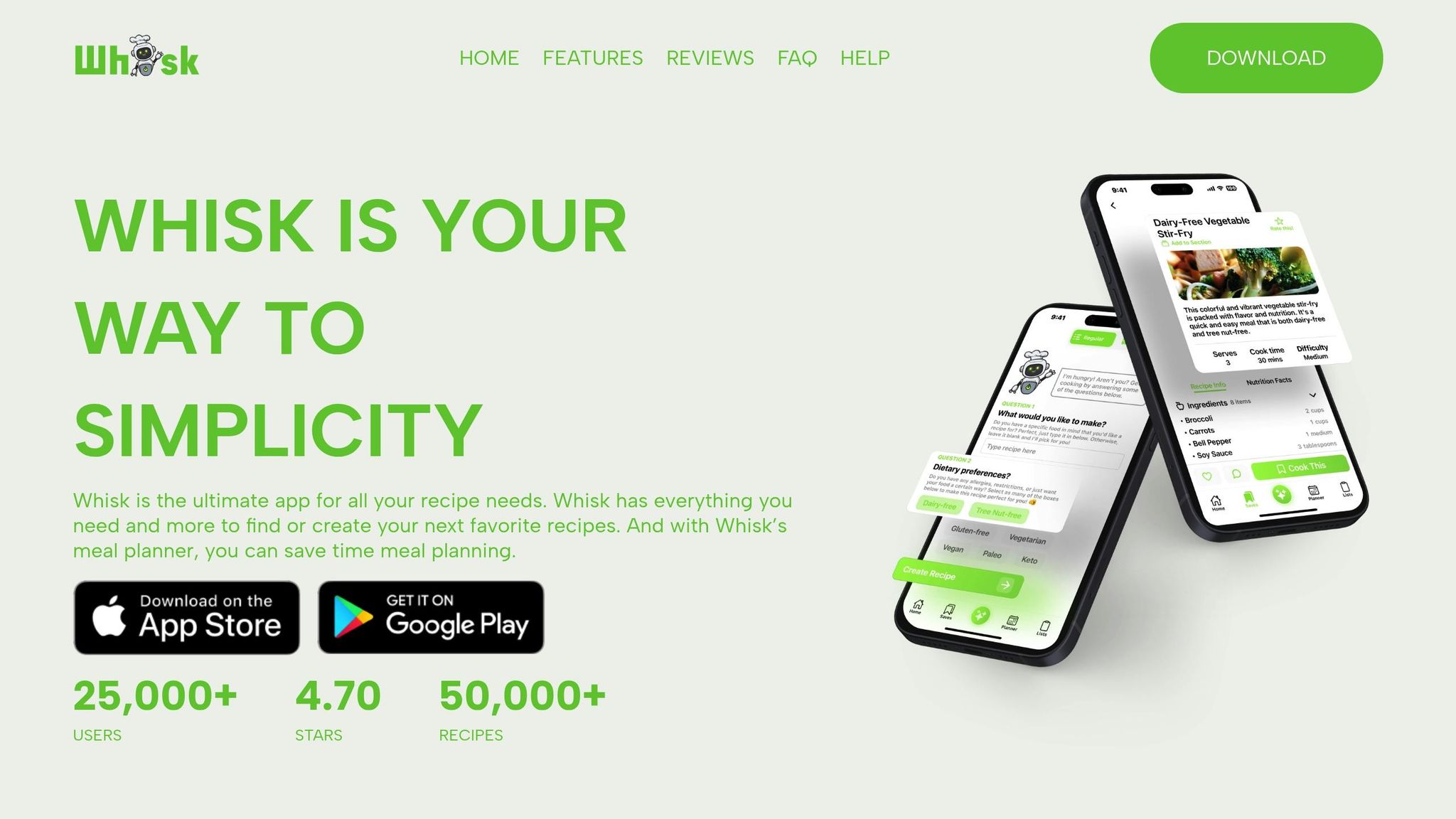
Whisk makes saving recipes from social media incredibly simple with its link-based method. Whether it's TikTok, Instagram, YouTube Shorts, Pinterest, Facebook, or even a random website, all you need to do is copy the URL and paste it into the app. Whisk’s AI does the heavy lifting by extracting ingredients and creating step-by-step instructions - even from video-only posts. This feature is a game-changer for platforms like TikTok or Instagram Reels, where recipes are often demonstrated visually without much written detail.
The app takes these videos and converts them into easy-to-follow, visual instructions. That means no more endless pausing and rewinding to catch every step. Users have praised how seamlessly Whisk transforms video recipes into a format that's ready for cooking. In fact, over 100,000 recipes have been created using this import tool, pulling content from a wide range of sources. Once imported, these recipes are neatly organized into a digital cookbook, ready for you to use anytime.
Recipe Organization Features
When you save a recipe, it lands in the "Saves" tab, located on the bottom navigation bar. Here, Whisk automatically provides calorie and macronutrient estimates, giving you quick nutritional insights. You can also create custom sections - like "Desserts" or "Meal Prep" - to keep your recipes organized and easy to find later.
Whisk’s popularity is reflected in its impressive 4.66-star rating from over 23,350 users and its database of more than 46,600 recipes. This combination of organization and user-friendly design ensures your recipe collection stays both functional and accessible.
Meal Planning and Grocery Integration
Whisk takes recipe organization a step further with its drag-and-drop calendar, which allows you to plan meals for the week or even the entire month. Once you’ve scheduled your recipes, the app generates a dynamic grocery list, automatically pulling ingredients from your saved recipes. You can adjust quantities as needed, ensuring you buy just the right amount.
What’s more, Whisk makes collaboration easy. You can share your meal plans and grocery lists with family or friends, streamlining shopping and cooking coordination. This feature is perfect for households or anyone who enjoys planning meals as a group.
Pricing and Accessibility
Despite its extensive features, Whisk is completely free. You get AI-powered recipe extraction, meal planning, and grocery list generation without paying a dime. There are no hidden fees or subscriptions, making Whisk an excellent choice for anyone looking to organize and manage recipes from social media without breaking the bank.
Best Apps to Save TikTok & Instagram Recipes
Pros and Cons
Honeydew and Whisk each bring their own strengths to the table when it comes to managing social media-inspired recipes.
Honeydew Recipe Manager is a standout option with its impressive 4.8-star rating. It shines in family coordination, allowing up to six users to collaborate seamlessly. Its direct integration with Instacart makes grocery shopping a breeze - just one click, and your ingredients are ready to order. Plus, the app includes a recipe translation feature that adapts international dishes with a single tap, making global cuisine more accessible. However, the free plan might feel limiting, as it only allows for 10 AI-based recipe imports per month. If you’re constantly exploring new recipes online, this could be a drawback.
Whisk, on the other hand, excels at turning viral social media videos into structured, easy-to-follow recipes. With over 100,000 recipes created from platforms like TikTok and Instagram, it simplifies the process of cooking from video content - no more endless pausing and rewinding. Whisk is entirely free and even tracks calories and macros automatically. That said, it doesn’t prioritize collaborative household management as much as Honeydew does.
Here’s a quick comparison of their key features and limitations:
| Tool | Best For | Key Strengths | Key Weaknesses |
|---|---|---|---|
| Honeydew | Families & Grocery Sync | Instacart integration, 6-user sync, recipe translation | Limited to 10 AI imports/month on free plan |
| Whisk | Video Recipes (TikTok/IG) | Converts videos into recipes, tracks calories/macros, completely free | Less focus on family collaboration |
If family coordination and grocery delivery are your priorities, Honeydew is the better choice. But if you’re drawn to automated video-to-recipe conversions and a no-cost solution, Whisk is the way to go.
Conclusion
The best recipe-saving tool for you depends largely on your cooking habits and personal needs. If you’re a casual cook who occasionally bookmarks recipes from social media, Whisk offers a simple, free platform to keep your favorite dishes organized directly from saved links. On the other hand, if you’re someone who frequently saves recipes from platforms like TikTok, Instagram, or YouTube - or if you’re part of a household that values streamlined meal planning - Honeydew Recipe Manager provides a more comprehensive solution.
Honeydew is designed to handle the demands of high-volume recipe collection with ease. Its AI-powered tools transform viral cooking videos into neatly organized meal plans, making it perfect for social media enthusiasts. Beyond just saving recipes, Honeydew simplifies the entire process - from discovering a recipe on TikTok to ordering ingredients through its Instacart integration. With features like household sharing for up to six users, it’s a great choice for families or groups coordinating meal planning and grocery shopping together.
FAQs
How does Honeydew Recipe Manager turn social media posts into recipes?
Honeydew’s AI makes saving recipes from social media a breeze with just one tap. By combining computer vision and natural language processing, it can analyze content from sources like YouTube videos, TikTok or Instagram Reels, Facebook posts, screenshots, or webpages. The AI extracts ingredients, measurements, and cooking instructions, then organizes everything into a neat, easy-to-follow recipe in your digital cookbook.
To make things even easier, Honeydew includes a smart browser extension. This tool lets you grab recipes from any website and instantly turn them into clean, ready-to-use entries - completely hassle-free. In seconds, you can go from spotting a trendy recipe online to planning your next delicious meal!
Can I access my saved recipes on Honeydew without an internet connection?
Honeydew lets you access all your saved recipes offline. So, whether you're whipping up a meal in a spot with no internet or simply prefer to disconnect, your favorite dishes and ideas are always at your fingertips. It's a handy feature for those moments when Wi-Fi isn't an option.
How can Honeydew help with family meal planning?
Honeydew takes the hassle out of family meal planning by using AI to craft weekly menus that fit your household’s dietary needs, allergies, and flavor preferences. No more endless debates about what to eat - Honeydew helps you spend less time planning and more time enjoying meals together. Plus, it generates clear, organized grocery lists and even lets you order ingredients through Instacart, saving you both time and stress.
The app’s family-sharing features allow everyone in your household to pitch in. Whether it’s viewing, editing, or voting on meal plans, collaboration happens in real time. Honeydew also comes with handy tools like nutrition tracking, ingredient swaps, and serving size adjustments, so you can easily keep meals balanced, budget-friendly, and just the right amount. Best of all, it’s ad-free and costs only $4.17 per month, making meal planning simple and enjoyable for the whole family.