How AI Helps Plan One-Pot Dinners
• Updated
AI-powered tools like Honeydew Recipe Manager simplify one-pot dinner planning by saving time, reducing food waste, and cutting grocery costs. Here's how it works:
- Import Recipes Instantly: Paste links from TikTok, Instagram, or YouTube, and the app organizes them into recipe cards with ingredients, instructions, and nutrition info.
- Smart Meal Planning: AI creates weekly one-pot dinner plans tailored to your dietary needs, using what you already have to minimize waste.
- Auto-Sorted Grocery Lists: Generates precise shopping lists grouped by store sections, with real-time updates for household members.
- Ingredient Swaps & Scaling: Suggests substitutes for missing ingredients and adjusts recipes for any serving size.
- Pantry Mode: Snap a photo of your fridge, and AI suggests meals based on available ingredients.
For $4.17/month, the Honeydew Plus plan adds unlimited recipe storage, OCR for handwritten recipes, and family sharing for up to six people. The Free plan offers basic features like recipe imports and grocery lists.
Key Stats:
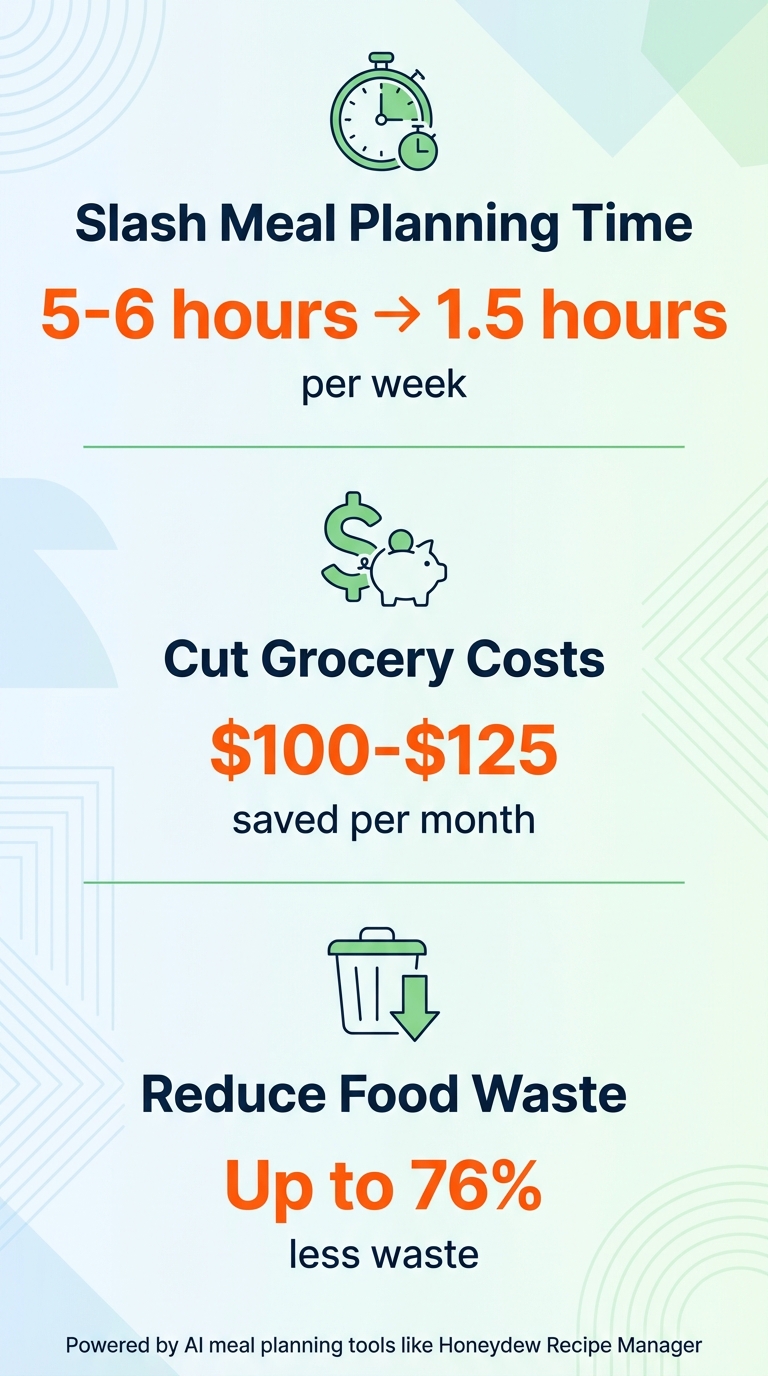
- Reduces food waste by up to 76%
- Saves $100–$125/month on groceries
- Cuts meal-planning time from 5–6 hours to under 1.5 hours
AI is transforming how we cook, making one-pot dinners faster, simpler, and more efficient.
How AI Meal Planning Saves Time and Money on One-Pot Dinners
5 AI prompts to make meal planning and grocery shopping easier
Step 1: Import One-Pot Recipes with Honeydew Recipe Manager
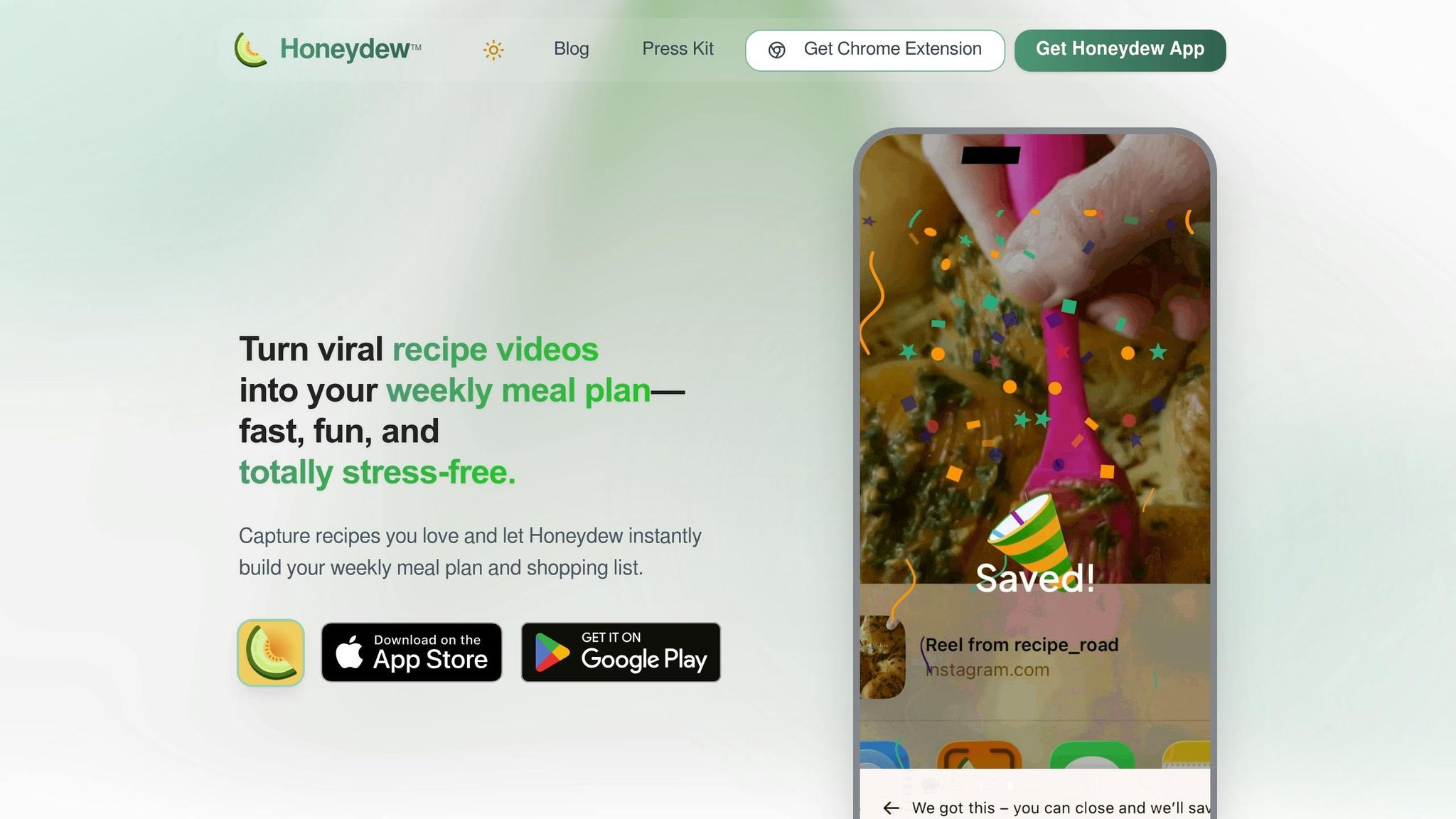
The first step in streamlining your one-pot dinner planning is gathering all your recipe ideas in one place. With Honeydew Recipe Manager, you can import recipes directly from social media using just a link. The app's AI takes care of the heavy lifting, extracting ingredients, instructions, measurements, cook times, and nutrition details. In less than 30 seconds, a viral recipe turns into a neatly formatted recipe card.
How to Import Recipes from Social Media
Importing recipes is simple. Let’s say you come across a mouthwatering one-pot meal - like a creamy Tuscan sausage pasta on TikTok or a hearty beef stroganoff on Instagram. Just paste the recipe link into the app’s import tool, and Honeydew’s AI will do the rest. It even converts measurements using a built-in cooking measurement converter (e.g., 2 cups rice, 28 oz canned tomatoes). The same process applies to YouTube videos - paste the URL, and the recipe is instantly structured for you.
For Honeydew Plus users, there’s an extra perk: you can snap a photo or upload a screenshot, and the app’s text recognition feature will convert it into an editable recipe card. Thousands of users rely on Honeydew every month to save recipes with ease.
Once imported, your recipes are automatically sorted and ready for planning.
Organizing Imported Recipes for Easy Access
Honeydew doesn’t just store your recipes; it organizes them. The app uses tags to classify recipes by cuisine, ingredients, dietary preferences, and cooking methods. You can even create custom folders. For example, tag that TikTok one-pot shrimp scampi as "Seafood/One-Pot/Quick" or file your curry recipes under "Vegetarian/Asian." This level of organization speeds up meal planning and simplifies prep.
Need inspiration based on what’s in your pantry? Use the search function to find recipes by ingredient - type in "chicken broth" and "pasta", and you’ll instantly see matching one-pot dishes. Plus, up to six family members can share the same recipe collection, making it easy for everyone in your household to contribute their favorites to your growing one-pot library.
Step 2: Use AI Meal Planner for One-Pot Weekly Plans
After organizing your recipes in Step 1, Honeydew's AI meal planner takes over to create a tailored weekly schedule of one-pot dinners. By analyzing your dietary preferences and filtering through your imported recipes, the AI significantly reduces the time spent on planning - from the usual 5–6 hours a week to just under 1.5 hours.
The planner features an intuitive drag-and-drop calendar, making it easy to rearrange meals, swap recipes, or tweak plans on the fly using the "Ask Honey" AI assistant. For instance, if a recipe for one-pot pasta includes dairy, but you're lactose intolerant, the AI adjusts the ingredients and instructions to fit your needs while keeping the one-pot simplicity intact. It also prioritizes recipes that use ingredients you already have, which can cut food waste by up to 40%. This streamlines the process, giving you a personalized and efficient meal plan.
Customizing Meal Plans for Dietary Preferences
Honeydew caters to a variety of dietary needs, including Keto, Vegan, Mediterranean, Low FODMAP, Gluten-Free, and High-Protein diets. You can exclude allergens like nuts, seafood, or dairy, and even refine preferences with specifics like "no seafood, but fish sauce is fine." The AI also lets you filter by cuisine (e.g., Italian, Japanese, Indian) and lifestyle requirements, such as kid-friendly meals or budget-friendly options under $10 per meal. For even more tailored results, you can specify your cooking tools (like an Instant Pot), set protein goals (e.g., 80–120g per day), and list ingredients you need to use up. The more details you provide, the better the planner aligns with your needs.
Balancing Nutrition with AI Recommendations
Honeydew automatically calculates calorie and macronutrient information - like protein, fat, carbs, and fiber - for every recipe you import. As you add one-pot meals to your calendar, the app updates your daily nutritional totals in real time. This gives you a clear picture of how each meal fits into your health goals. You can even set specific targets by typing or saying commands like, "Plan a week of meals with 1,500 calories a day." If a meal exceeds your limit, the AI suggests adjustments - such as swapping regular flour for almond flour - to keep your plan balanced without compromising flavor. Plus, you can share the finalized plan with up to six family members, ensuring everyone is on the same page for the week’s dinners.
Step 3: Generate Auto-Sorted Grocery Lists for One-Pot Meals
Once you've crafted your personalized one-pot dinner plan, Honeydew takes it a step further by automatically creating a consolidated shopping list. This list includes exact ingredient quantities for the week, ensuring you only purchase what’s necessary. No more juggling recipe tabs or scribbling notes - Honeydew’s AI simplifies the process, saving time and reducing waste. Up next, you'll see how the app organizes your list by store sections to make shopping even easier.
Saving Time with Auto-Generated Grocery Lists
Honeydew groups your grocery items by store sections - think produce, dairy, meat, and pantry staples - so you can shop efficiently without running back and forth. For instance, if multiple recipes call for chicken broth, the app combines the amounts into a single entry. Before heading to the store, you can review the list to remove items you already have, helping to reduce food waste and avoid unnecessary purchases. Many users have shared that this feature saves them hundreds of dollars each month by cutting down on duplicate buys and reducing food waste.
"The smart grocery lists save me hundreds of dollars a month. I love how it suggests recipes based on what I already have!" - James L.
Another standout feature is real-time syncing. If someone in your household picks up an item early, the list updates instantly for everyone. This means no more accidental overstocking, like ending up with three cartons of milk because multiple people shopped at different times. With around 22,000 recipes saved every month by users, Honeydew’s grocery list automation has become a go-to tool for busy households.
Instacart Integration for Hassle-Free Shopping
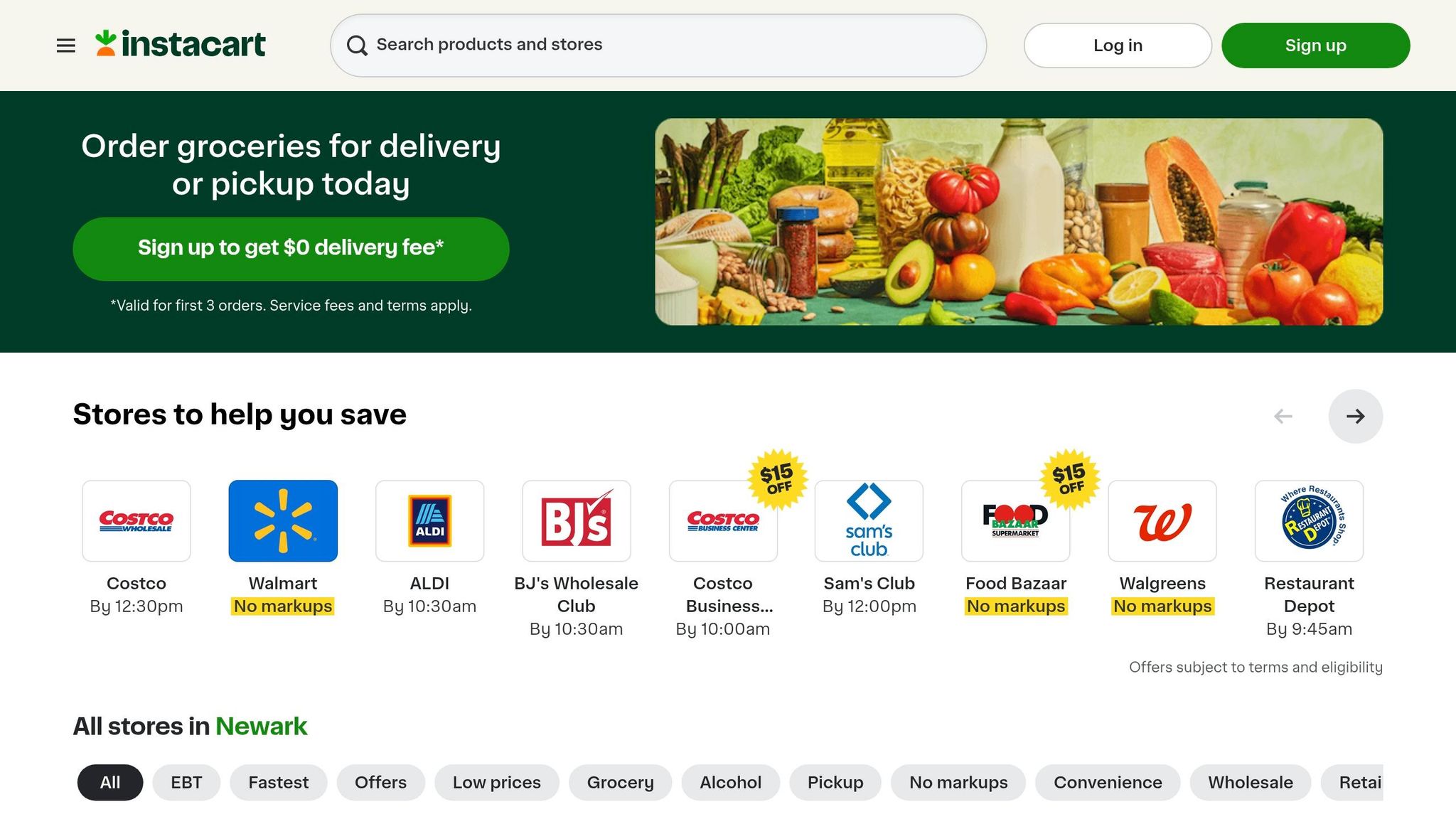
When your auto-sorted list is ready, you can skip the store altogether by using Honeydew’s Instacart integration. With just one click, your ingredient list is sent directly to Instacart for delivery or pickup. After the transfer, you can tweak quantities, select substitutes, and complete checkout - all without retyping a single item. This feature is especially convenient for one-pot meals, where fresh ingredients like specific vegetables or proteins are key, and hunting them down in-store can be a hassle.
"As someone who meal preps weekly, Honeydew's grocery list feature is indispensable. It's saved me countless trips to the store." - Ryan G.
Step 4: Apply Smart Substitutions and Scaling for One-Pot Recipes
Once you've created your consolidated grocery list, Honeydew makes dinner prep even easier by tackling last-minute ingredient issues and portion adjustments. With the Honeydew Recipe Manager's smart tools, you can handle unexpected challenges in the kitchen without compromising the simplicity of your one-pot meals. Whether you're missing a key ingredient or need to cook for extra guests, Honeydew's AI steps in to suggest ingredient swaps and scale recipes while keeping the all-important liquid-to-grain ratios intact - critical for one-pot dishes.
Finding Substitutes for Missing Ingredients
Missing an essential item like chicken broth or heavy cream? Honeydew’s AI has you covered. It suggests substitutes that maintain the dish's flavor and texture. For instance, if you're out of sour cream, it might recommend Greek yogurt as a replacement, ensuring the recipe stays consistent while also catering to dietary preferences like gluten-free, dairy-free, or low FODMAP needs.
"The ingredient substitution feature is a game-changer for my dietary restrictions. I can adapt any recipe easily!" – Emily C.
The app also uses your pantry inventory to offer practical swaps. Say a recipe calls for fresh basil, but you only have dried oregano - Honeydew not only suggests the swap but also calculates the correct conversion ratio to preserve the dish's flavor balance. Once you've nailed your ingredient list, it’s time to adjust the recipe to fit your serving needs.
Scaling Recipes for Different Serving Sizes
With Honeydew's Dynamic Portions feature, adjusting one-pot recipes for any group size is effortless. Whether you're cooking for two or hosting a larger gathering, the app recalculates ingredient amounts in U.S. imperial units. This precision ensures you prepare just the right amount, helping you avoid excessive leftovers and cut down on food waste.
Step 5: Access Pantry Mode and AI Cooking Assistant for One-Pot Execution
Once you've scaled your recipe and organized your grocery list, Honeydew's Pantry Mode and AI Cooking Assistant step in to simplify your one-pot dinner prep. These tools help you maximize the ingredients you already have and provide real-time cooking support.
Using Pantry Mode for One-Pot Recipe Ideas
Pantry Mode tackles the age-old problem of staring at a packed fridge yet feeling like there's nothing to cook. All you need to do is snap a photo of your fridge or pantry shelves. Honeydew's AI analyzes the image to identify ingredients - like spinach, rice, or canned beans - and suggests one-pot recipes you can whip up right away. This feature helps eliminate "fridge blindness" by transforming what you already have into meal possibilities.
If you're missing a key ingredient, Pantry Mode flags it for you. It even includes an "Improvise" option, which suggests recipes that skip the grocery run entirely - ideal for hectic weeknights. Once you've chosen a recipe, the next step is seamless execution with the help of Honeydew's guided cooking assistant.
AI Cooking Assistant for Step-by-Step Guidance
After selecting a recipe, Honeydew's AI cooking assistant, Honey, takes over to guide you through the process. The assistant offers step-by-step instructions right on the recipe page, so you won’t need to switch screens while cooking. Missing an ingredient? Ask Honey for a substitute, and the recipe adjusts instantly.
With voice commands like "Next step", you can move through the instructions hands-free - a lifesaver when your hands are busy. Honey also adapts recipes in real time. Need to make it gluten-free or skip dairy? Just ask, and the recipe modifies itself while maintaining its balance. Plus, if you're cooking for more or fewer people, Honey automatically updates ingredient amounts and cooking times, ensuring your one-pot meal turns out just right.
Honeydew Free vs Plus: Feature Comparison for One-Pot Planning
Honeydew takes AI-driven meal planning to the next level with two tailored plans designed to simplify your one-pot dinner routine. From importing recipes to making real-time adjustments, these plans help ensure your meals are easy to prepare and nutritionally balanced.
The Free plan is completely free - no credit card needed. It provides the basics to kick off your one-pot dinner planning. You can import up to 10 recipes from platforms like TikTok, Instagram, YouTube, or any website, and the AI takes care of extracting the ingredients and steps for you. It also includes features like basic meal planning and auto-sorted grocery lists, and Instacart integration for delivery or pickup.
The Plus plan, at $4.17 per month, offers more advanced tools. With unlimited recipe storage, you can build a robust library of one-pot recipes. It also includes OCR technology, letting you digitize handwritten recipes or screenshots - ideal for keeping cherished family recipes handy. Another standout feature is Pantry Mode, where you can snap a photo of your fridge, and the AI will suggest one-pot recipes based on the ingredients you already have, helping you reduce waste and save money.
"Letting AI help me make the most of what I already have saves our family of four roughly $100 a week." - Abby Brody, Digital Parenting Expert
The Plus plan also introduces Household Sharing, enabling up to six family members to collaborate on meal plans and grocery lists in real time. No more duplicate shopping trips or confusion about who’s cooking dinner. Additionally, Smart Ingredient Substitutions suggests alternatives for missing items or dietary needs - like swapping ingredients to make a dish gluten-free - and updates your grocery list instantly. Plus members enjoy an ad-free experience and offline access, so you can view recipes even without Wi-Fi in the kitchen.
Feature Comparison Table
| Feature | Honeydew Free | Honeydew Plus |
|---|---|---|
| Recipe Storage | Limited to 10 imports | Unlimited |
| Import Sources | Social media & Web URLs | URLs, Photos, Screenshots, & OCR |
| AI Meal Planning | Manual drag-and-drop | AI suggestions & Pantry Mode |
| Ingredient Swaps | Manual | AI-powered smart substitutions |
| Recipe Scaling | Manual | Automatic serving size adjustment |
| Family Sharing | Not included | Up to 6 members (real-time sync) |
| Nutrition Tracking | Basic breakdown | Detailed macros (USDA database) |
| User Experience | Ad-supported | Ad-free & Offline access |
The Free plan is a great starting point for importing recipes from social media, but upgrading to Plus unlocks unlimited storage, OCR digitization, and real-time family collaboration. With features like Pantry Mode and Smart Ingredient Substitutions, the Plus plan ensures your one-pot dinners are as efficient and stress-free as possible.
Conclusion
Making one-pot dinners has never been simpler, thanks to AI-powered tools like the Honeydew Recipe Manager. This app takes care of everything - from instantly importing recipes to generating grocery shopping checklists that are perfectly organized by aisle and ready to sync with Instacart.
With its Pantry Mode, you can whip up meals using ingredients you already have, cutting down on waste. The AI-driven meal planning feature also helps reduce food waste by tailoring recipes to your needs. Add in smart ingredient substitutions, household sharing, and step-by-step cooking instructions, and Honeydew turns hectic weeknight dinners into a stress-free experience.
"Honeydew has transformed the way I cook. I'm saving so much time and enjoying new recipes every week!" - Sarah M.
FAQs
Does the AI work with my diet and allergies?
AI can tailor meal plans to match your dietary preferences and allergies seamlessly. For example, tools like Honeydew Recipe Manager can tweak recipes to fit specific needs. They offer features like ingredient substitutions and allergen-friendly options, making sure your one-pot meals are not just tasty but also safe and aligned with your requirements.
How accurate is Pantry Mode from a fridge photo?
The effectiveness of Pantry Mode in identifying items from a fridge photo largely hinges on the app's features, such as real-time inventory updates and barcode scanning. Although exact accuracy rates aren't mentioned, these tools play a key role in recognizing and tracking pantry items efficiently.
Will it adjust cook times when I change servings?
Yes, the AI adjusts cooking times when you modify the number of servings. It automatically scales both the ingredient quantities and the cooking durations to match the updated portion size, helping ensure your dish is perfectly prepared.



