Recipe Calorie Calculator: Estimate Calories Per Serving
Use the calculator or the manual formula to estimate calories for a complete recipe and each serving.
 By Chris HabibUpdated 7 min read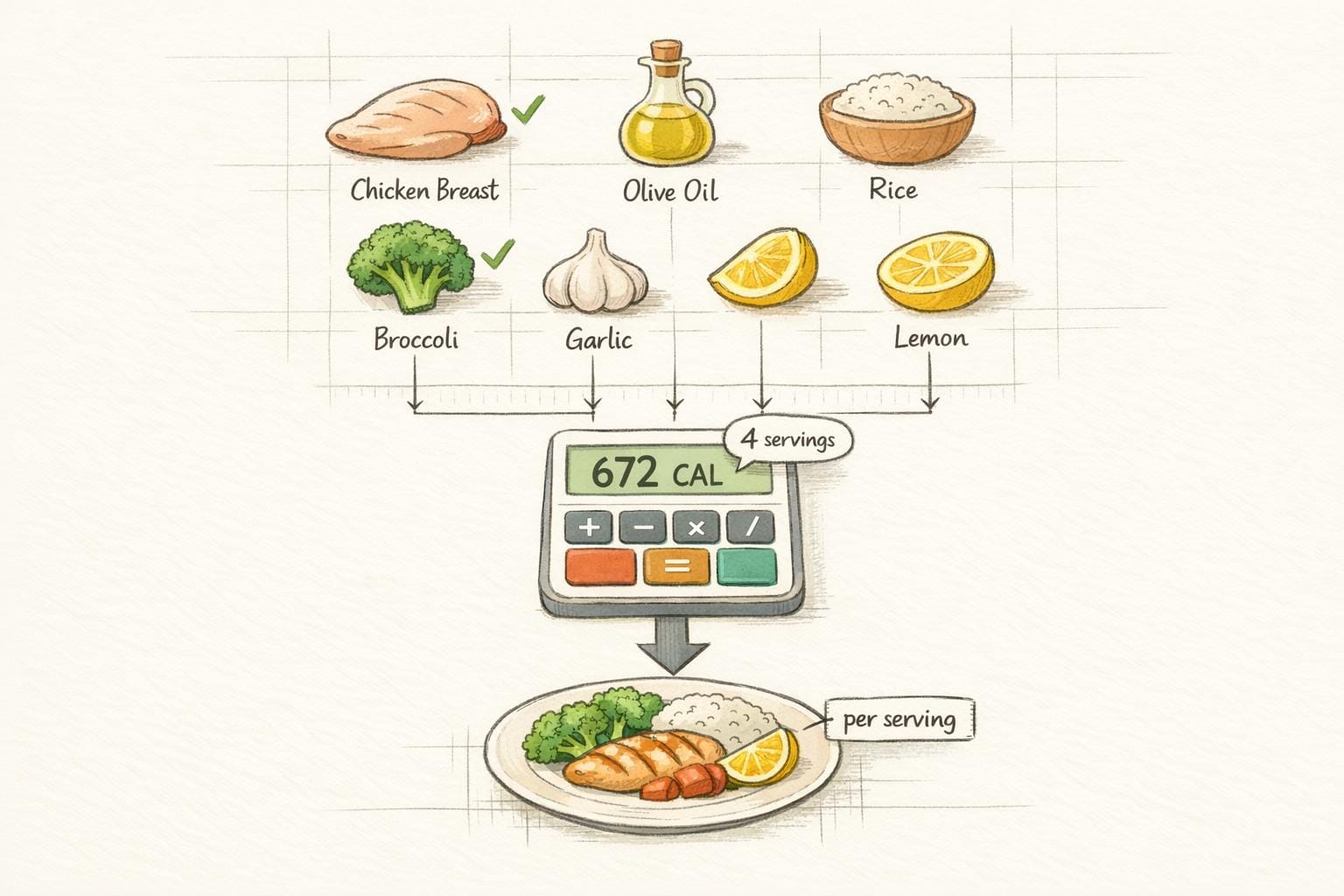
The bottom line
Add the calories for every ingredient, then divide the recipe total by the number of servings. Check ingredient matches, preparation states, and actual portion sizes before relying on the estimate.
To calculate calories in a recipe, add the calories for every ingredient, then divide the total by the number of servings.
Total recipe calories = ingredient 1 + ingredient 2 + every remaining ingredient
Calories per serving = total recipe calories / number of servings
The arithmetic is simple. The useful work is making sure every ingredient, quantity, and serving is counted consistently. Use the embedded recipe calorie calculator below, or follow the manual method if the tool does not load.
Disclosure: I am Chris Habib, CEO and co-founder of Red Honey, the company that makes Honeydew. Honeydew is discussed below because it can save a recipe, scale its servings, and keep its nutrition information with the recipe.
Recipe calorie calculation example
Suppose the nutrition labels or database entries for all ingredients in a pot of soup add up to 1,200 calories. If the pot makes four equal servings:
1,200 / 4 = 300 estimated calories per serving
If you later divide the same pot into six equal servings, the ingredient total does not change:
1,200 / 6 = 200 estimated calories per serving
These are illustrative numbers, not nutrition values for a particular soup. Your result depends on the actual brands, weights, edible portions, cooking fats, toppings, and serving sizes used.
Use the recipe calorie calculator
Enter each ingredient and its amount, check the matched food, and set the number of servings. Review the result before using it, especially when a branded ingredient or cooked weight differs from the database entry.
Manual recipe calorie calculator
If the embedded tool is unavailable, this worksheet produces the same basic result:
- Write down every ingredient, including oil, butter, sauces, marinades, garnishes, and optional toppings you actually used.
- Record the amount by weight when possible. Grams are easier to match consistently than loosely packed cups.
- Use the package nutrition label for branded food. For basic ingredients, use a reputable food composition database.
- Convert the listed serving on the label or database to the amount used in the recipe.
- Add every ingredient value to get the total recipe calories.
- Divide by the number of portions you actually serve.
| Ingredient | Amount used | Calories for that amount |
|---|---|---|
| Ingredient 1 | ||
| Ingredient 2 | ||
| Ingredient 3 | ||
| Total recipe | ||
| Per serving | Total divided by servings |
What changes a recipe calorie estimate?
- Raw versus cooked weight: water gained or lost during cooking changes weight, even when the batch's ingredient calories stay the same.
- Brand differences: two sauces, breads, or dairy products may have different label values for the same weight.
- Cooking fats: oil used in a pan is easy to forget and difficult to estimate if some remains behind.
- Drained or discarded ingredients: marinade, frying oil, bones, peels, and cooking liquid may not all be eaten.
- Uneven portions: dividing the total by four assumes four equal servings. Weighing the finished recipe can make portioning more consistent.
- Ingredient matching: a database match should describe the same food and preparation state you used.
A calorie calculator provides an estimate, not a laboratory measurement. For medical nutrition therapy, an eating disorder, diabetes management, or another clinical need, use guidance from a qualified health professional.
Keep the calculation with the recipe in Honeydew
A one-off total is useful. It becomes more useful when it stays attached to the recipe you will cook again.
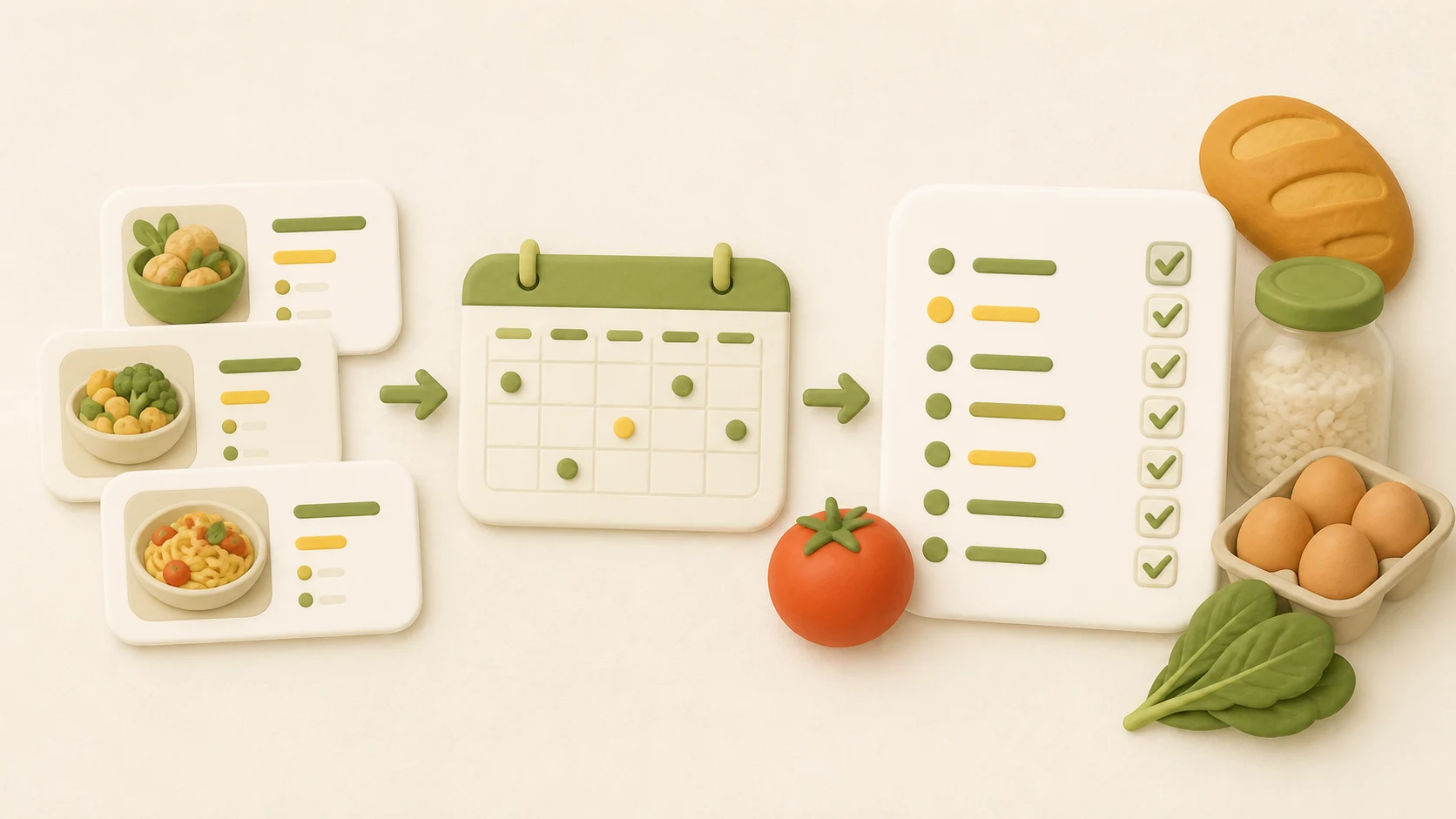
Honeydew saves recipes from websites, social videos, screenshots, photos, and cookbooks into one structured cookbook. You can adjust the serving count, keep nutrition information with the recipe, plan it for a specific day, and send the scaled ingredients to your grocery list.
If the recipe needs a change, Honeydew's AI Edit can help make an ingredient substitution or rewrite the recipe around a dietary preference. You can then keep the updated version instead of repeating the work in a separate calculator every time.
Save and plan your recipes with Honeydew
Useful next steps
- Use the recipe scaler to adjust ingredient quantities before calculating a new serving size.
- Check volume and weight units with the kitchen measurement conversion chart.
- Turn planned recipes into a store-ready list with the aisle-order grocery list method.
Sources and method
The calculation method follows standard arithmetic: total the energy values for the amounts used, then divide by servings. For ingredient data, prefer the current package label or the USDA FoodData Central database. Method and links reviewed September 7, 2026.

Save, scale, and plan the recipe in Honeydew.
Keep the recipe and its nutrition information together, adjust servings, and send the ingredients to your grocery list.
 Kitchen Measurement Conversion Chart
 Recipe Scaler
 How to Make a Grocery List