How to Make a Grocery List Faster: The Aisle-Order Method
The fastest list starts at the dinner table and ends at the store entrance. This seven-step method keeps every item attached to a meal.
 By Chris HabibUpdated 9 min read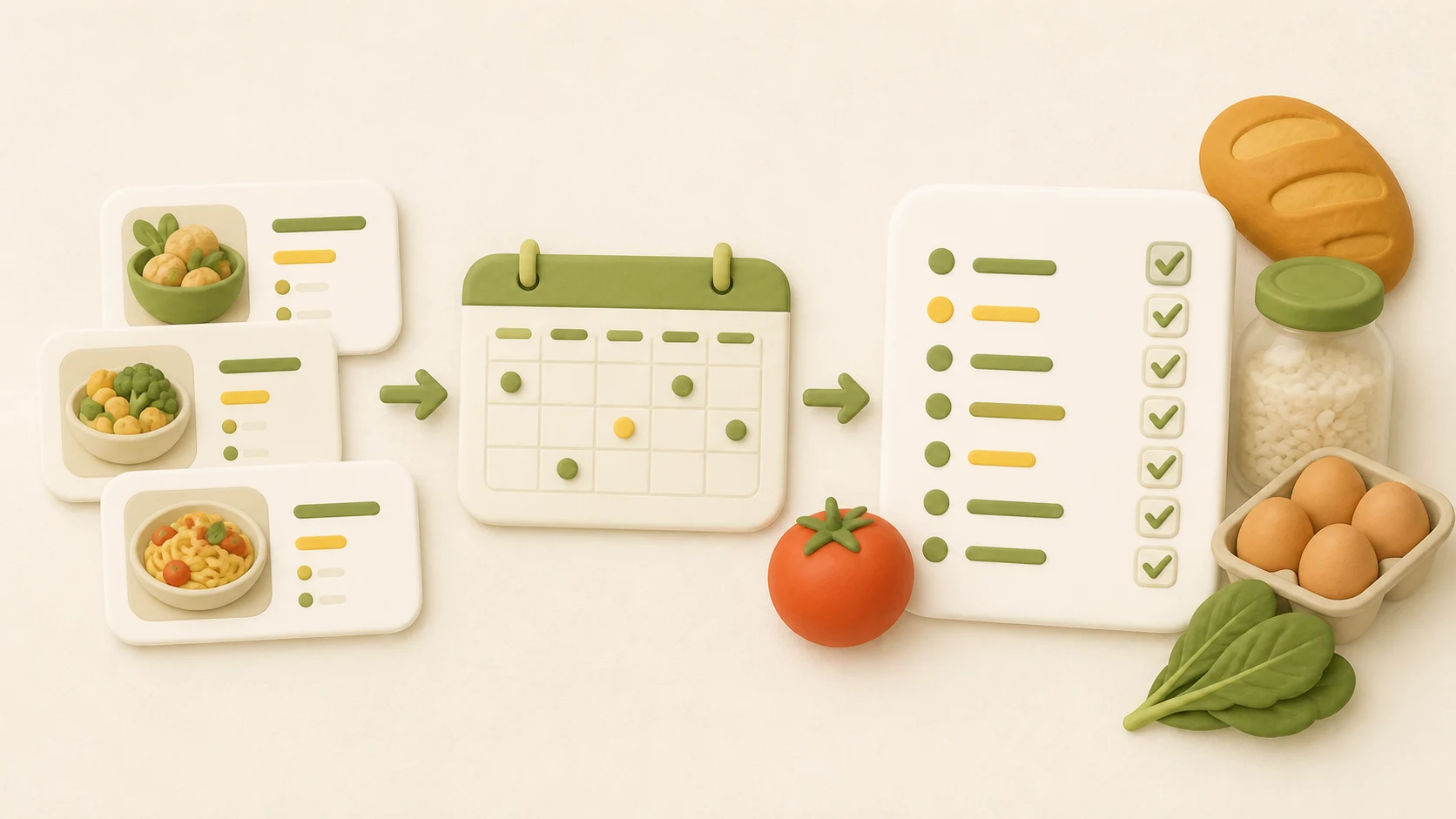
The bottom line
Choose the meals, set the servings, list every ingredient, combine repeats, subtract what is already in the kitchen, and sort the result by aisle. The order matters because it catches omissions before the store does.
Most grocery lists go wrong before the first item is written. They start with whatever comes to mind instead of the meals the food needs to become.
This method reverses that. Start with the week, turn each meal into ingredients, then reorganize the result for the store.
Disclosure
Honeydew publishes this guide and makes the Honeydew app. The method works on paper, in a notes app, or in Honeydew.
How to make a grocery list in seven steps
1. Look at the week
Mark the nights you will cook, the nights that need leftovers, and the meals happening elsewhere. A seven-day list does not require seven dinners.
2. Choose the meals
Write down the specific dinners first. Add breakfasts, lunches, and snacks only when they need ingredients beyond your normal staples.
3. Set the servings
Check how many people will eat each meal and whether you want leftovers. Scale the recipe before copying ingredients. Otherwise the list may be tidy but wrong.
Cooking only for yourself? This grocery list for one person maps five dinners to package quantities and shows what remains after the meals.
4. Copy every ingredient
Include the small things that are easy to assume you have: garlic, lemons, broth, herbs, oil, and toppings. Keep each recipe's quantities visible for now.
5. Combine repeated ingredients
If two meals use onions, add the amounts. Do the same for garlic, herbs, cheese, broth, and other repeats. Keep different forms separate when the recipe cares about them, such as fresh tomatoes and canned tomatoes.
6. Check the refrigerator, freezer, and pantry
Subtract what you already have. Open the container when quantity matters. “Rice in the pantry” is not useful if the recipe needs four cups and the bag holds one.
7. Sort the final list by aisle
Put produce together, then bakery, protein, dairy, pantry, frozen, and household items. Match your usual store if you know its layout. The complete list of grocery ideas by aisle is a useful final check for forgotten staples.
A worked example with three dinners
Suppose the plan includes tomato pasta, black bean tacos, and sheet-pan salmon.
| Meal | Ingredients to buy |
|---|---|
| Tomato pasta | 12 oz pasta, one 28 oz can tomatoes, 1 onion, garlic, Parmesan |
| Black bean tacos | Two 15 oz cans black beans, 1 onion, 8 tortillas, 2 limes, cilantro |
| Sheet-pan salmon | 4 salmon fillets, 1 lb broccoli, 1 1/2 lb potatoes, 1 lemon |
Now combine the repeats. The two onions become 2 onions. Everything else stays attached to its original quantity.
After checking the kitchen, imagine there is enough garlic and Parmesan already. The finished list becomes:
- Produce: 2 onions, 2 limes, cilantro, 1 lb broccoli, 1 1/2 lb potatoes, 1 lemon
- Bakery: 8 tortillas
- Seafood: 4 salmon fillets
- Pantry: 12 oz pasta, one 28 oz can tomatoes, two 15 oz cans black beans
This is the moment the list becomes trustworthy. Every item has a reason, repeated ingredients have been added once, and pantry items have been removed.
Why aisle order is the last step
Recipe order helps while you are building the list. Aisle order helps while you are using it. Switching at the end gives you both.
The exact order depends on the store. A sensible default is:
- Produce
- Bakery
- Meat, seafood, and plant proteins
- Dairy and refrigerated foods
- Pantry and canned goods
- Frozen foods
- Household supplies
Keep frozen items near the end. Put anything that needs a counter or service desk where you will actually encounter it.
The printable grocery list template uses this order and gives you a second sheet for mapping meals to ingredients.
Make the recipe-to-list handoff automatic
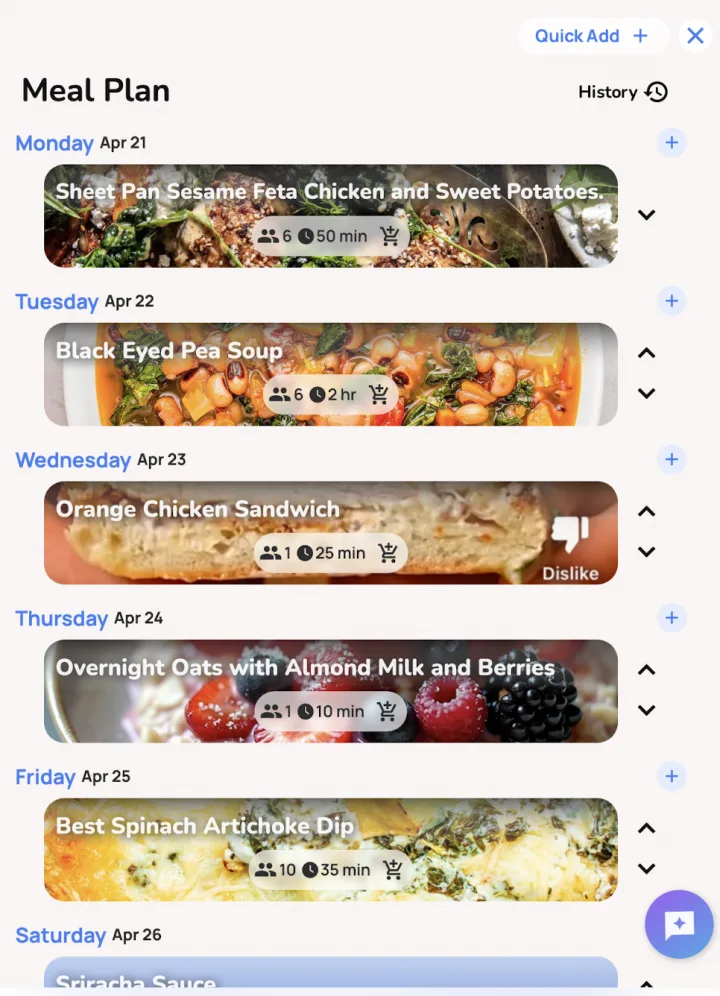
Honeydew follows the same sequence without making you recopy each ingredient. Save the recipes, add them to the weekly meal plan, set the serving sizes, and send their ingredients to the grocery list. Honeydew combines repeated items, shows which recipes need them, sorts by aisle, and keeps the list available offline.
Household members can share the list and see updates as items are added or checked off. Pantry tracking helps account for food already at home, and you can add non-recipe items manually.
Common questions
What is the 5 4 3 2 1 rule for groceries?
One common version means choosing five vegetables, four fruits, three proteins, two sauces or spreads, and one grain or starch. Treat it as a memory aid rather than a fixed nutrition rule, since households and meals need different amounts.
What is the 3-3-3 rule for shopping?
The phrase is used for several shopping shortcuts. For groceries, it often means choosing three vegetables, three proteins, and three starches or carbohydrates that can be mixed into meals. Write the actual meals first so the shortcut does not create unused food.
Can Chatgpt make a grocery list?
Yes. ChatGPT can draft a grocery list when you provide the meals, servings, dietary needs, pantry items, and preferred store order. Check quantities and substitutions before shopping. Honeydew can also connect supported AI assistants to your saved recipes, meal plan, and grocery list with your approval.
Sources and method
The method is based on the order the work happens: calendar, meals, servings, ingredients, pantry, then store layout. We checked the food-group language against USDA MyPlate and verified Honeydew workflow details against the app's published support documentation. Sources and page reviewed September 1, 2026.

Build the list while you build the week.
Plan recipes, adjust servings, combine shared ingredients, and take one aisle-sorted list to the store.
 Grocery List for One Person
 High Protein Grocery List
 Pantry Inventory Template
 Grocery List Ideas